
Download GrooveShredder – Grooveshark, Firefox add-on, music download, direct download, song downloader, GrooveShredder, Firefox plugin, music library, offline music
Overview
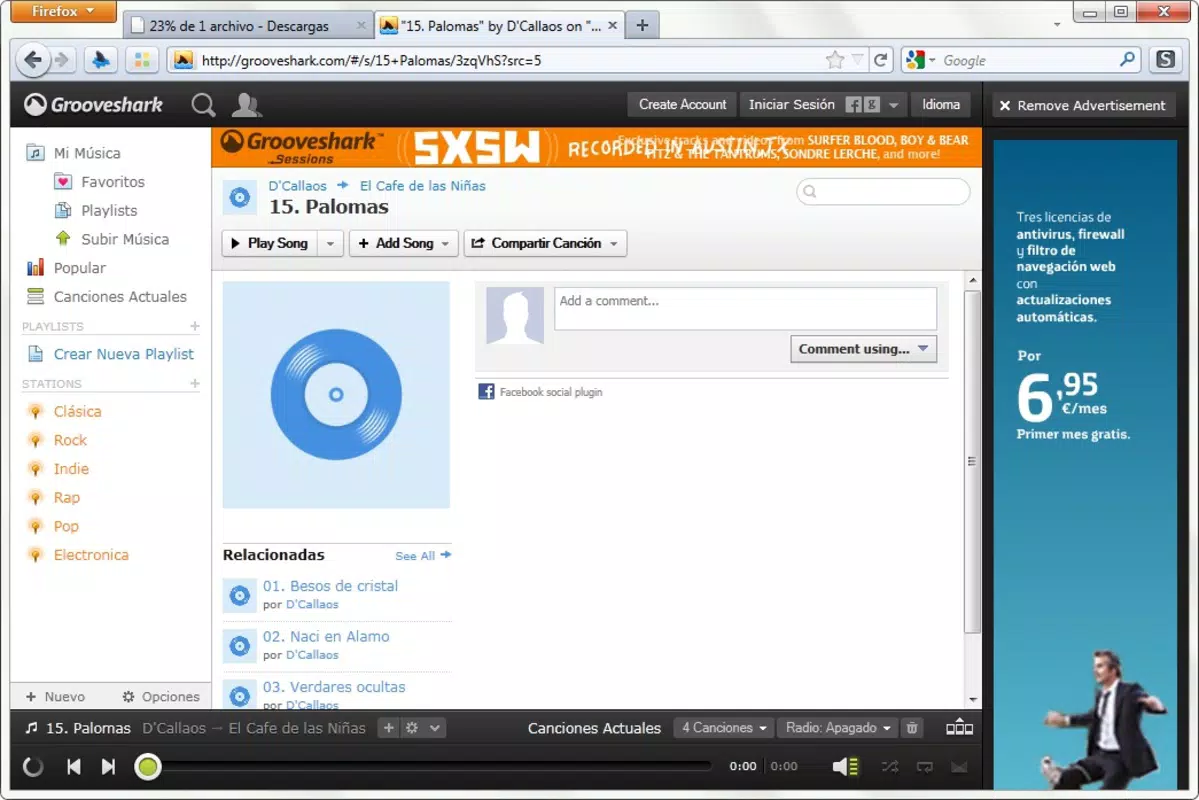
GrooveShredder is a specialized Firefox add-on designed to enhance the Grooveshark music streaming experience by enabling direct downloads of songs with a single click. Originally released on April 7, 2011, the tool was developed by Thomas P. Larson as a utility for users who wanted greater control over their music consumption. It addresses the limitation of Grooveshark’s standard playback mode by allowing users to save tracks directly to their device without relying on third-party tools or complex workarounds. This functionality is particularly beneficial for individuals seeking to build a personal music library for offline listening, especially in environments with limited or unreliable internet access.
The app serves as a productivity tool within the browser ecosystem, streamlining the process of music acquisition. Its primary target users include music enthusiasts, casual listeners, and anyone who values efficiency when curating their digital music collection. Although Grooveshark itself has since been discontinued, GrooveShredder remains notable as a historical example of browser-based media enhancement tools. The developer did not provide additional technical details about the add-on’s architecture or underlying mechanisms. However, its core purpose remains clear: to transform a passive listening experience into an active music management workflow.
Key Features & Functionality
- Automatic Downloads: Upon clicking the play button in Grooveshark, GrooveShredder initiates an immediate download of the selected track. This eliminates the need for manual export or copy-paste steps, significantly reducing user effort.
- One-Click Integration: The add-on seamlessly modifies the Grooveshark interface, making the download function intuitive and accessible without altering the user’s standard browsing habits.
- Toggle Functionality: Users can disable the add-on at any time to revert to the original Grooveshark playback experience, offering flexibility for those who prefer not to download content.
- Firefox-Specific Design: Built exclusively for the Firefox browser, GrooveShredder ensures compatibility with Firefox’s extension framework and maintains stable performance within the browser environment.
- Offline Music Access: By enabling direct downloads, the tool supports offline listening, which is essential for users who want to enjoy their favorite songs without an active internet connection.
For example, a user browsing Grooveshark during a commute could initiate a download with a single click, ensuring the track is available later on a train or in a low-signal area. This functionality is especially useful for playlist curation and long-term music archiving. The add-on does not require additional configuration, making it ideal for users with minimal technical expertise. The developer did not specify any limitations or exceptions to its behavior, but its straightforward design suggests consistent performance across supported Firefox versions.
Interface, UX & Performance
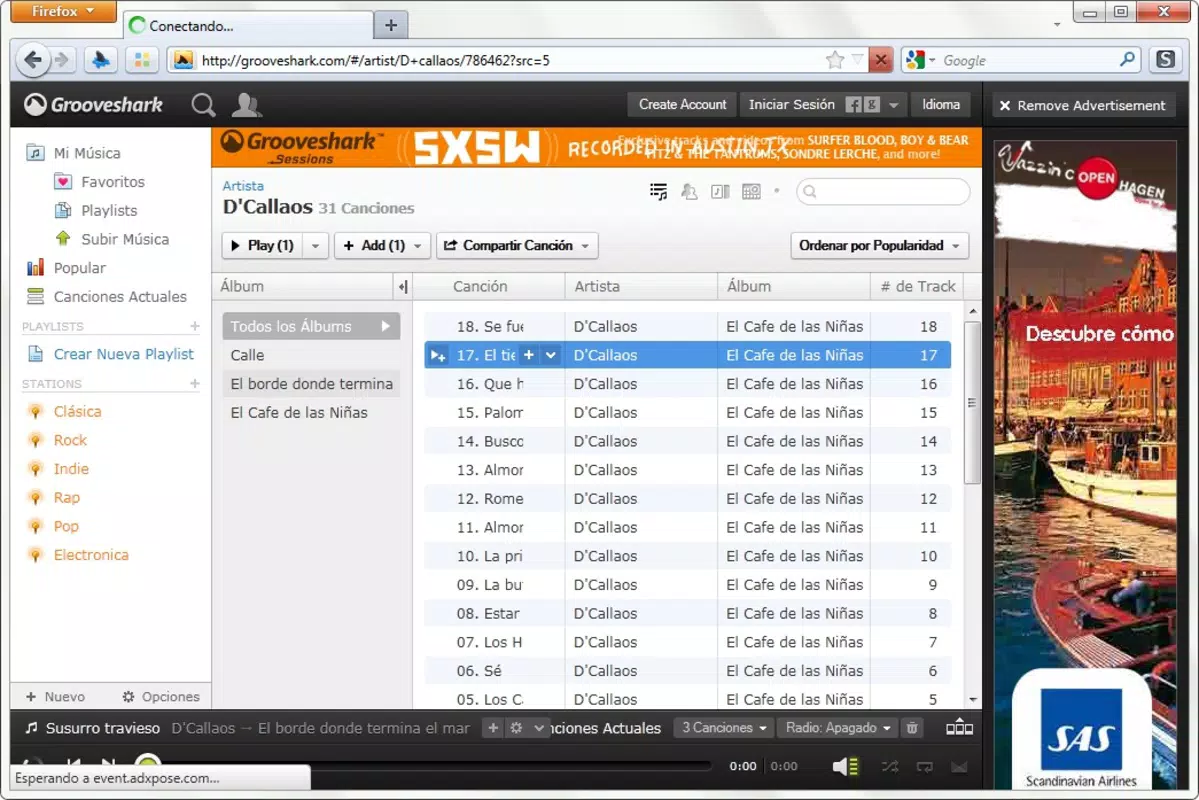
As a browser add-on, GrooveShredder operates in the background without altering the core interface of Grooveshark. Its user experience is defined by simplicity and non-intrusiveness. The interface remains unchanged, with the download action triggered automatically upon play initiation. Navigation within Grooveshark is unaffected, and no additional menus or pop-ups are introduced, preserving the original browsing flow.
Although the developer did not list formal performance metrics, the add-on’s lightweight nature—measuring just 1.2 MB—suggests minimal impact on system resources. It is designed to run efficiently without slowing down the browser or interfering with other extensions. The add-on does not appear to consume significant memory or processing power during operation. Responsiveness is maintained through direct integration with Firefox’s event system, ensuring that download initiation occurs promptly after the play command.
Stability is implied by its long-standing presence in the Firefox add-on ecosystem since 2011. However, compatibility with modern Firefox versions is not confirmed, as the developer did not provide updated requirements. Users may encounter issues if attempting to install it on newer browser versions due to deprecated extension APIs. Nonetheless, for users on supported configurations, the experience remains smooth and reliable.
Platform Compatibility & Technical Requirements
GrooveShredder is designed exclusively for the Firefox browser. It is not available for other platforms or operating systems. The add-on requires Firefox to function and is compatible with the version specified in the release details: version 1.2. The file size is 1.2 MB, which is relatively small and suitable for quick downloads and installations.
The developer did not specify minimum OS requirements or browser version compatibility beyond the listed version. As such, users should exercise caution when installing on newer Firefox releases, as the extension may not be supported due to changes in Firefox’s extension architecture. The add-on was released in 2011, which predates several major updates to Firefox’s security and compatibility standards. Compatibility information was not fully disclosed, so users should verify functionality on their specific setup before use.
Pros and Cons
- Enables direct, one-click music downloads from Grooveshark
- Minimal file size (1.2 MB) ensures fast installation
- Easy to use with no complex setup required
- Toggle feature allows switching back to original Grooveshark behavior
- Designed for Firefox, ensuring stable integration
- Not compatible with modern Firefox versions due to outdated extension standards
- No official support or updates since 2011
- Functionality limited to Grooveshark, which is no longer operational
- Developer did not provide compatibility details for current systems
- May pose security risks if installed on untrusted or outdated browsers
FAQ
Is GrooveShredder safe to install?
While the add-on was developed by a known individual and distributed through official channels at the time of release, its age and lack of updates may pose security risks. Users should only install it on trusted, up-to-date systems and avoid using it on outdated browsers.
Can I use GrooveShredder on the latest version of Firefox?
The developer did not confirm compatibility with modern Firefox versions. Due to changes in Firefox’s extension architecture, the add-on may not function properly or may fail to install on current browser releases.
Does GrooveShredder work with other music services?
No. The tool is specifically designed for Grooveshark and does not support other music streaming platforms or websites.
Is GrooveShredder free to use?
Yes. The add-on is available at no cost. It does not require a subscription or in-app purchases.
How do I disable GrooveShredder?
Users can disable the add-on through Firefox’s extension manager. Simply navigate to the add-ons settings and toggle off GrooveShredder to revert to the original Grooveshark playback experience.
Final Thoughts
GrooveShredder represents a niche but innovative solution for users who once relied on Grooveshark for music streaming. Its ability to enable direct downloads with minimal effort was a significant improvement over the standard playback model. While the add-on is now largely historical due to Grooveshark’s discontinuation and Firefox’s evolving extension policies, it remains a noteworthy example of browser-based utility development. For users with legacy systems and access to older Firefox versions, it may still offer functional value in managing personal music collections.
However, modern alternatives are recommended for current users seeking similar functionality. The tool’s age and lack of updates limit its practicality today. Still, for those interested in retro browser tools or historical software, GrooveShredder provides a glimpse into early attempts at enhancing web-based media experiences.
Download GrooveShredder now


